How we're using AI to bring design and development even closer together
Across our client work, we're connecting design and code with Storybook, Figma and AI. Here's why design systems, principles and people matter more than ever when AI is helping write the code.

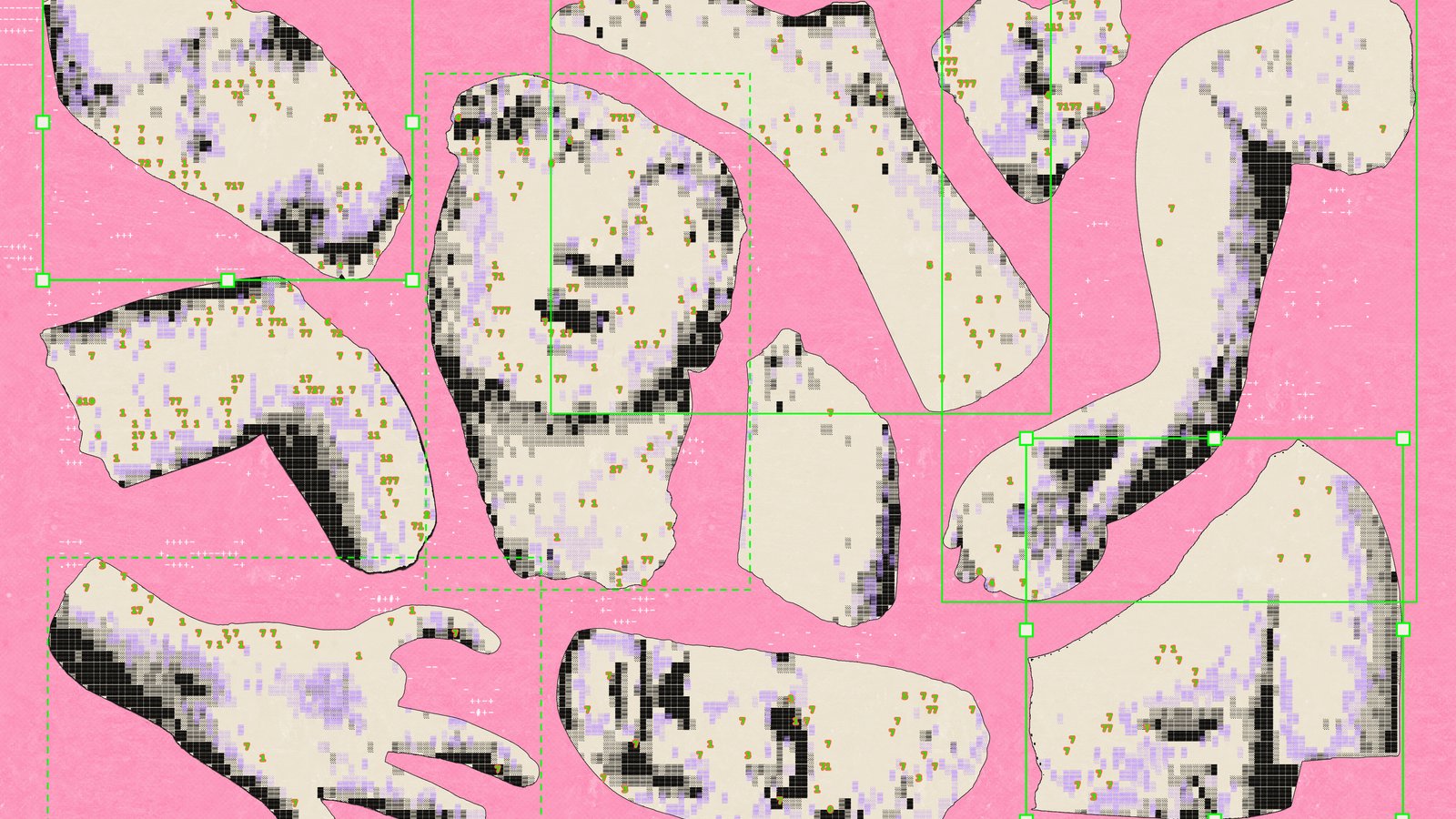
Hero image credit: Georgina Leeuwendal / Better Images of AI / “Build-A-Soulmate” / CC BY 4.0 / Cropped.
The gap between design and development is one of the oldest problems in building digital products. Designs get handed over, rebuilt in code, and slowly drift apart. Across our client work, we’re closing that gap, and AI is helping us do it better than ever.
Here’s the set-up. Storybook holds the coded components, documented and tested in every state. Figma’s MCP server gives AI coding tools direct access to the design side: the variables, components and layouts in Figma, and which coded component matches each design component. This means that when AI writes code, it uses components our team has already designed, agreed and tested. The tools we use will probably change over time, but the approach won’t. Connect your design and your code, and let AI work from both.
Why does this matter? Without that connection, AI is guessing.
Ask an AI tool for a sign-up screen and you’ll have one in seconds. It will look ok. It may even look great. But it might not know your brand, your accessibility standards or the sixty-seven decisions your team made last year about how forms should behave.
This is why I think design systems are more important now than ever. When anyone can generate an interface, the hard part is making sure every screen is consistent, accessible and recognisably yours.
The problem with speed
There was a time when we worked painstakingly, screen by screen, making sure the spacing was just right, every “t” was crossed, every “i” was dotted. It was slow, but the care was built into the process.
AI has removed most of the friction from producing interface design and front-end code. Designers can explore ten layouts before lunch. Developers can spin up a feature from a prompt. Product owners can mock up an idea without waiting for anyone.
I love this! But friction had an important job. It slowed things down long enough for someone to ask whether the new button matched the old one. A developer building a form by hand would reuse the date picker that already existed rather than write a new one. A design review would catch a modal where the team had agreed to use a full page. A content designer would spot an error message that said “Invalid input” instead of telling people how to fix it. Each check took time, and each one stopped a small inconsistency reaching the people who rely on the product. Without it, small differences pile up quickly:
- Inconsistency. Unless you give it your system, each prompt starts from scratch. Generate five screens separately and you can end up with slightly different blues, button styles and error messages. Every inconsistency erodes a tiny bit of trust. Stanford’s web credibility research found people judge a site quickly on its visual design, consistency included.
- Accessibility gaps. AI tools keep getting better at the basics, but they don’t know your users or the standards you’ve committed to. Complex interactions still need checking by people, with a keyboard and a screen reader. Accessibility should be built into your system, so it doesn’t depend on whichever AI model you happen to be using.
- Off-brand output. Models learn from what’s common, so without direction they drift towards the most common look. Your product starts to look like everyone else’s.
- Design debt at scale. Every one-off decision has to be found, questioned and fixed later. AI lets you create that debt faster than any team can pay it back.
AI can produce a lot of design very quickly. If nobody holds it to a standard or asks who it’s for, the quality of the product suffers.
How design systems help
A design system is a set of shared decisions: how things look, how they behave and why. When AI is generating screens, those decisions become the standard we measure every screen against.
A good system gives you useful guardrails:
- Principles. The values behind every decision. Nielsen Norman Group describes design principles as value statements that frame design decisions and keep teams consistent across a product. The UK government’s design principles are a well-known example: “Start with user needs”, “This is for everyone” and “Be consistent, not uniform”. Tokens and components tell AI what to use. Principles explain why, and help your team make good decisions when there isn’t a rule to follow.
- Design tokens. Colour, spacing, type and radius stored as named values. If AI output uses
color-primaryinstead of a hex code it guessed, your brand stays consistent. - Components. Tested, accessible building blocks such as buttons, inputs and dialogs. Assembling from these is safer than generating new ones every time.
- Pattern rules. Guidance on when to use what: a page or a modal, radios or a dropdown, inline errors or a summary. This is where your team’s research and experience gets written down.
- Accessibility floors. Minimum standards, such as WCAG AA contrast and keyboard support, built into the components so no one has to remember them.
With these in place, AI becomes a fast way to put together things your team has already agreed on, rather than a source of endless new variations.
Principles really earn their place when different users need different things. A site for older adults and a tool for developers can share the same principles, such as “start with user needs”, yet reach very different designs: larger text and fewer steps for one, dense information and keyboard shortcuts for the other. That’s what “consistent, not uniform” means. Left alone, AI designs for the average user. Your customers aren’t average. Principles keep AI pointed at the real people you’re designing for.
What changes in practice
If AI is going to build from your design system, the system has to be something AI can read. That changes how teams build and maintain it.
Make it machine-readable. Tokens should live in code, not just in a design file. Components should map one-to-one between design tools and the codebase. The closer your system is to structured data, the more reliably AI tools can follow it.
That’s what the set-up we described at the start gives you. Storybook documents the code, Figma holds the design, and the MCP connection lets AI read both.
Figma’s role matters here. It’s where designers apply the control, discernment and taste they’ve built up over years of experience: keeping the human context in view. Who is this for? Where will they be, and what are they trying to get done? Designers answer those questions, then decide what good looks like for those people, refine the details and make the trade-offs. Connecting Figma to AI tools carries that judgement into the code, so the thinking behind the design makes it all the way into the finished product.
Write documentation for people and tools. “Use sparingly” means little to a model. “Use one primary button per page, for the main action” is a rule it can follow. Clear, specific guidance helps new team members too. Do the same for your principles: pair each one with an example of what it means in practice, so people and tools can apply it.
Review what comes out. AI output still needs a human check for accuracy, accessibility and fit before it reaches the people who’ll use it. The system makes that review faster, because reviewers check against agreed rules rather than personal taste.
Govern it actively. When AI suggests a new pattern that works, add it to the system deliberately. When it keeps producing something you don’t want, tighten the rule. Over time, the system gets better the more you use it.
Where to start? Your design system
If you lead a team that’s adopting AI tools, investing in your design system is how you get the speed without losing quality.
For design and development teams, a few practical first steps:
- Write down your principles. Keep them short, specific to your product and grounded in research. Generic principles that could apply to any company won’t help anyone make a decision.
- Audit what you have. List your tokens, components and documented patterns. Note where design and code have drifted apart.
- Move tokens into code. One source of truth that both design tools and AI coding assistants can use.
- Build accessibility into components. Don’t rely on reviewers to catch the same contrast issue every week.
- Agree a review step. Decide who checks AI-generated work and what they check it against.
Design is still about people
AI can generate an interface. But as the UK government’s design principles put it: “We’re not designing for a screen, we’re designing for people.” AI can’t decide what your users need, which trade-offs matter for your service, or what your brand should feel like. Those are human decisions, made with research and experience. For us, that’s what intelligence made human means: AI doing the heavy lifting, guided by people who understand who they’re designing for.
Principles capture those decisions. A design system turns them into something people, and now machines, can reuse. That’s why I believe a good design system is one of the most valuable things a product team can have.
At Marino, we call this software made human. It’s the work we’re doing with our clients: connecting design and development properly, and using AI to make the connection stronger. If you’re thinking about how AI fits into your design and delivery process, or your design system needs work, let’s talk.
Keep reading
More insights.
It's never just a patch: the human side of a critical security fix
When critical PHP vulnerabilities were announced on 21 October, we checked every system we support and contacted every client, affected or not. This is how we kept clients informed, which decisions we left to them, and why no fix skipped our usual checks.
 Gwen Vaughan ·

Between the Wild West and the walled garden: how to build a trusted, secure agentic layer
AI agents will soon book appointments, switch energy, broadband and insurance for people. What CSOs, CTOs and CIOs need to settle first is identity, authority and trust. Marino Software has a track record in partnership with enterprise and organisations in regulated sectors. In this post, we look at a near future where people hand everyday admin to AI agents… and the security and trust decisions service providers need to make before they open the door.
 Ed Melvin ·
The board wants AI governance evidence by Friday. Can you produce it?
Marino Software has a track record in partnership with enterprise and organisations in regulated sectors. This is the second post in our AI governance scenarios series - where we look at the pressure points AI is creating inside organisations, and what real and workable answers look like.
Ed Melvin ·